

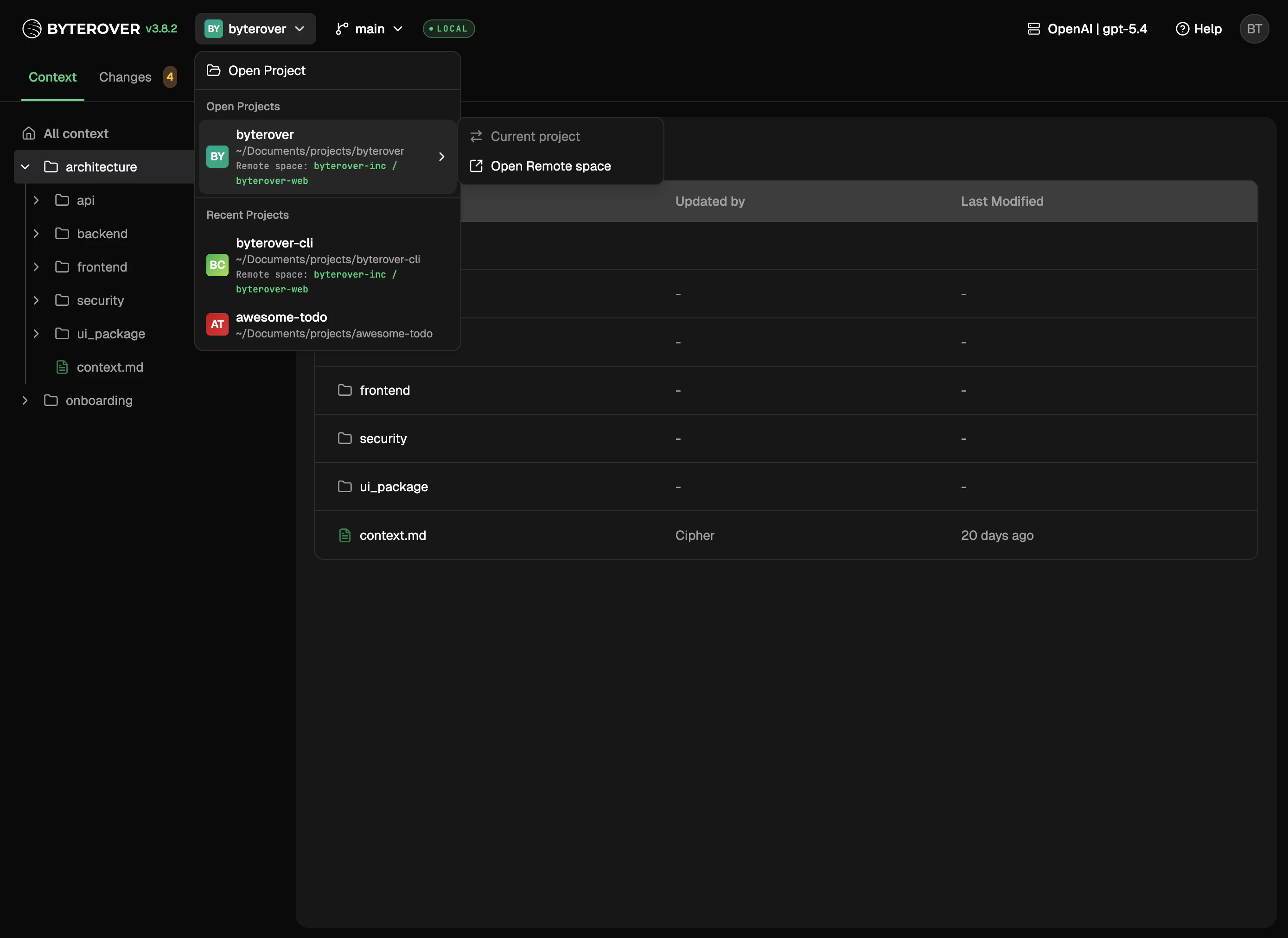
What you can do
- Switch between projects you’re actively working on
- Pick up where you left off in projects you’ve opened recently
- Browse your full project list when you have more than fit at a glance
Opening a new project
cd into the folder and run brv webui. Each folder ByteRover sees becomes its own project.
Linking to a remote space
Projects that are linked to a remote space show the link in the UI. The link itself is managed from the CLI.Next steps
Tasks
Run curate and query tasks.
Contexts
Browse and edit your context tree.