

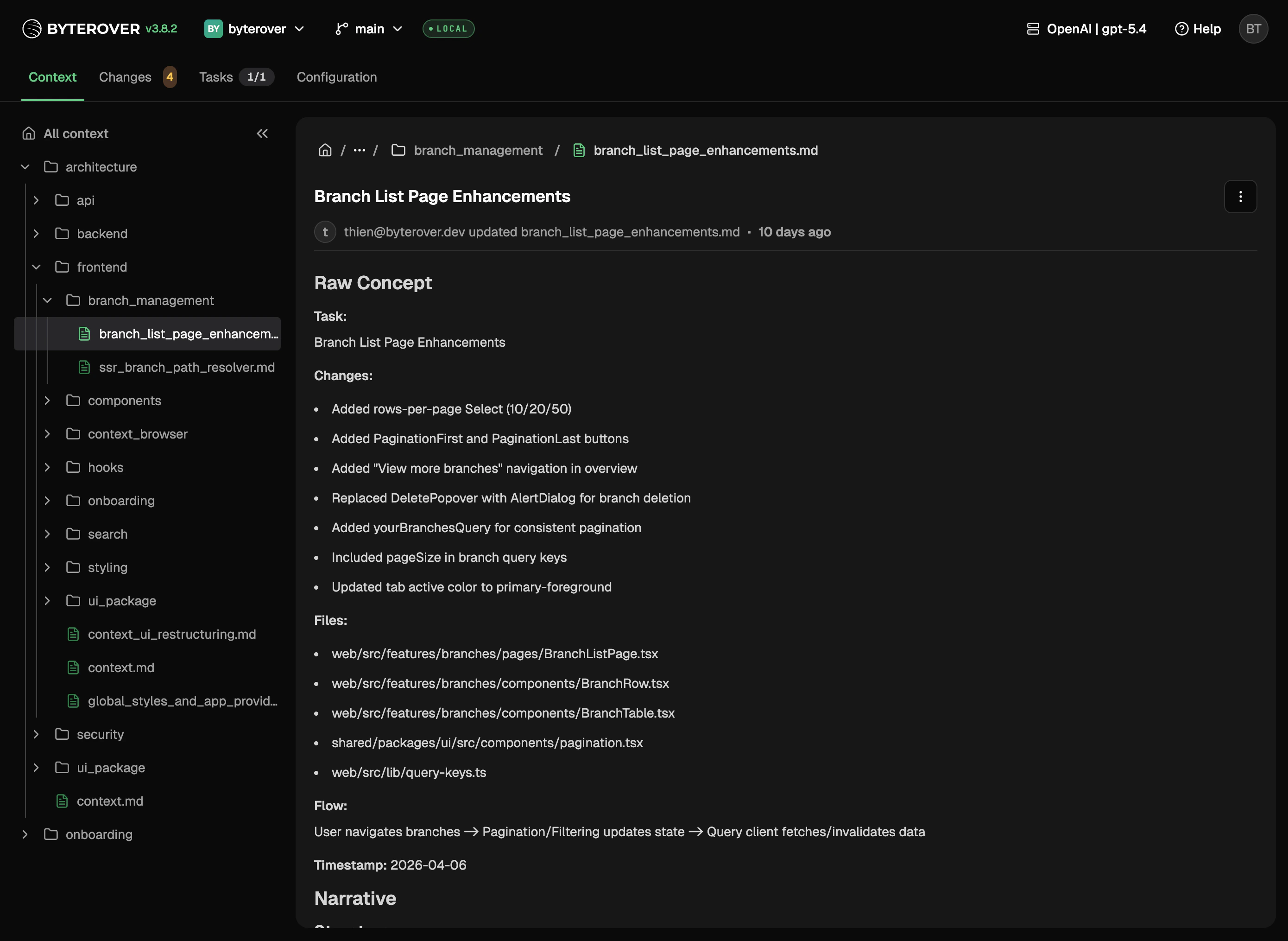
What you can do
- Browse every domain, topic, and file your project has curated
- Read long-form markdown without leaving your project
- Edit any context file in place and save straight to disk
- Inspect a folder’s own metadata — title, summary, tags, and related links — in the detail panel, the same way files already render
Saving changes
Saved files show up in Changes alongside any other edits — ready to commit like any other change.Next steps
Changes
Review and commit changes.
Context Tree
Learn how the context tree is structured.