

Commands: local vs cloud
- TUI slash commands
- CLI commands
Commands available in the interactive REPL (
brv):* Provider and model commands work locally for third-party providers. However, selecting or switching to the ByteRover built-in provider requires a logged-in ByteRover account (/login or brv login).Upgrade from local to cloud
- TUI
- CLI
1
Authenticate
Run
/login inside the REPL to authenticate via browser:2
Switch to a space
Select a team space. ByteRover updates An interactive picker lists all spaces across your teams. Selecting one switches your project and pulls remote context in a single step.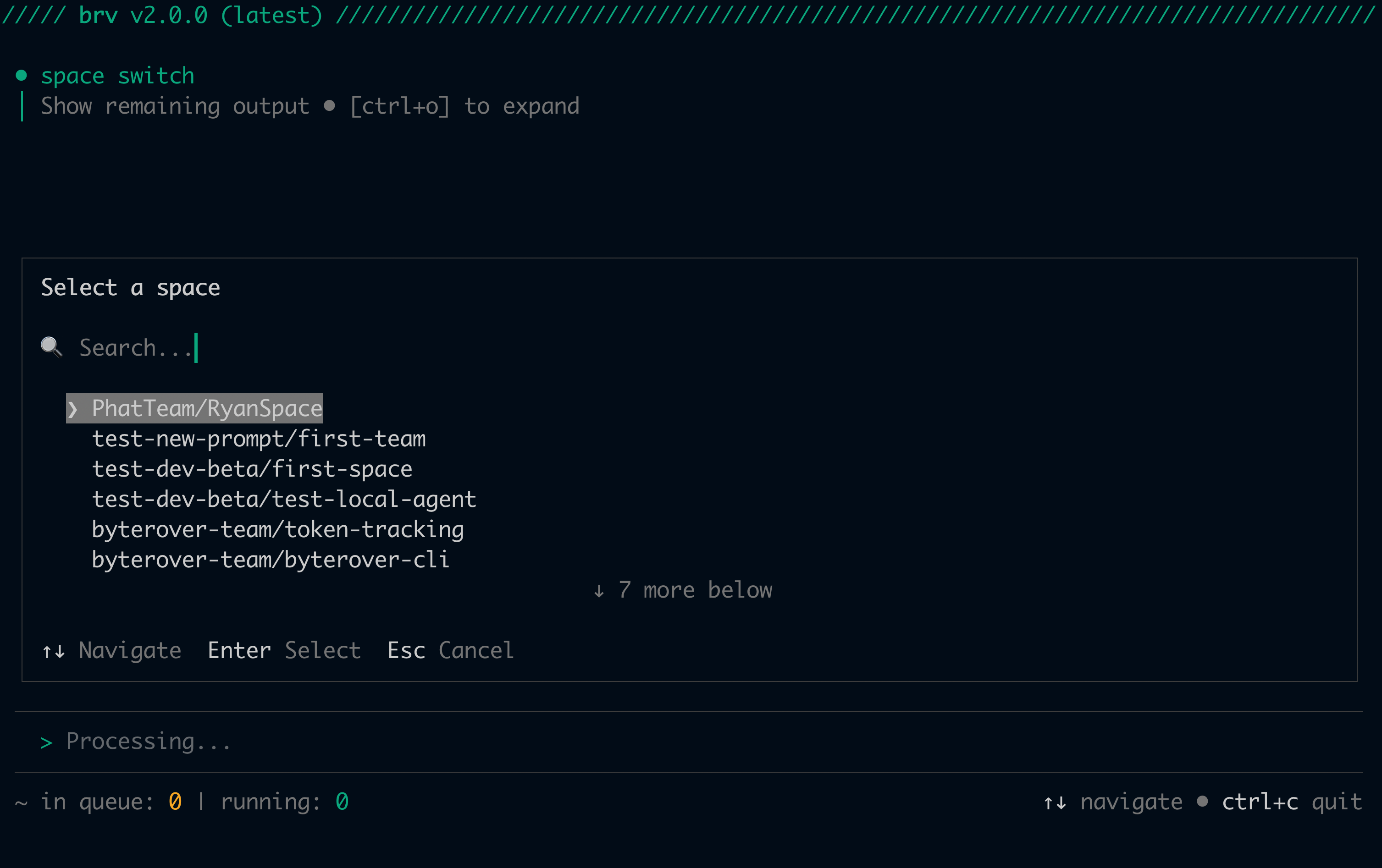
.brv/config.json and automatically pulls any existing context from the remote space.3
Push local context to cloud
Sync your 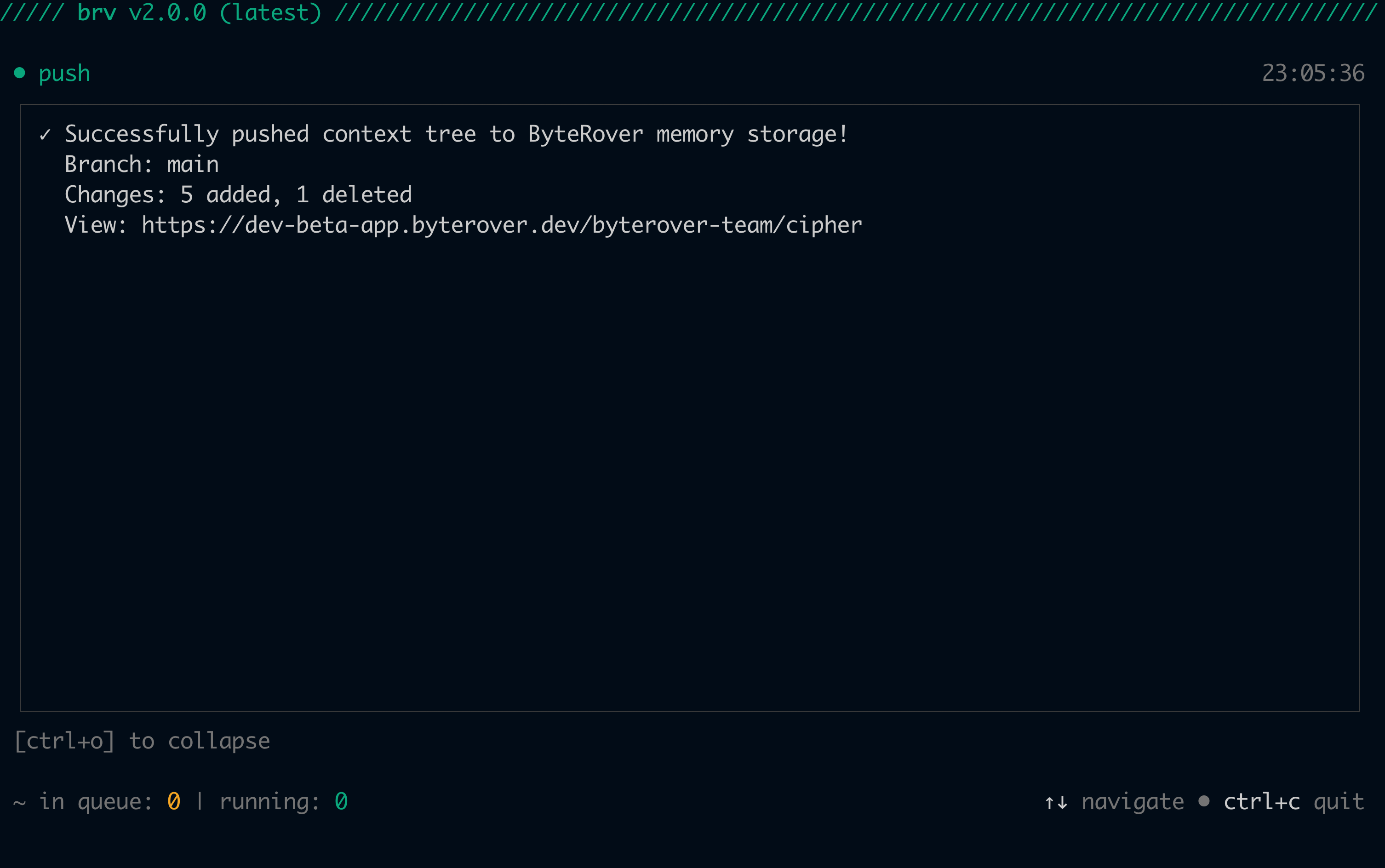
.brv/context-tree/ to the remote space. Teammates can pull this immediately after.4
Pull on other machines
On any machine where you’re authenticated, run
/space switch to select the same space — it automatically pulls remote context. After the initial switch, use /pull to sync subsequent changes from teammates.When to use cloud
All local features — curate, query, provider selection, hub, connectors — work without a cloud account and without an internet connection when using a third-party or local LLM provider. The ByteRover built-in provider requires a logged-in ByteRover account.