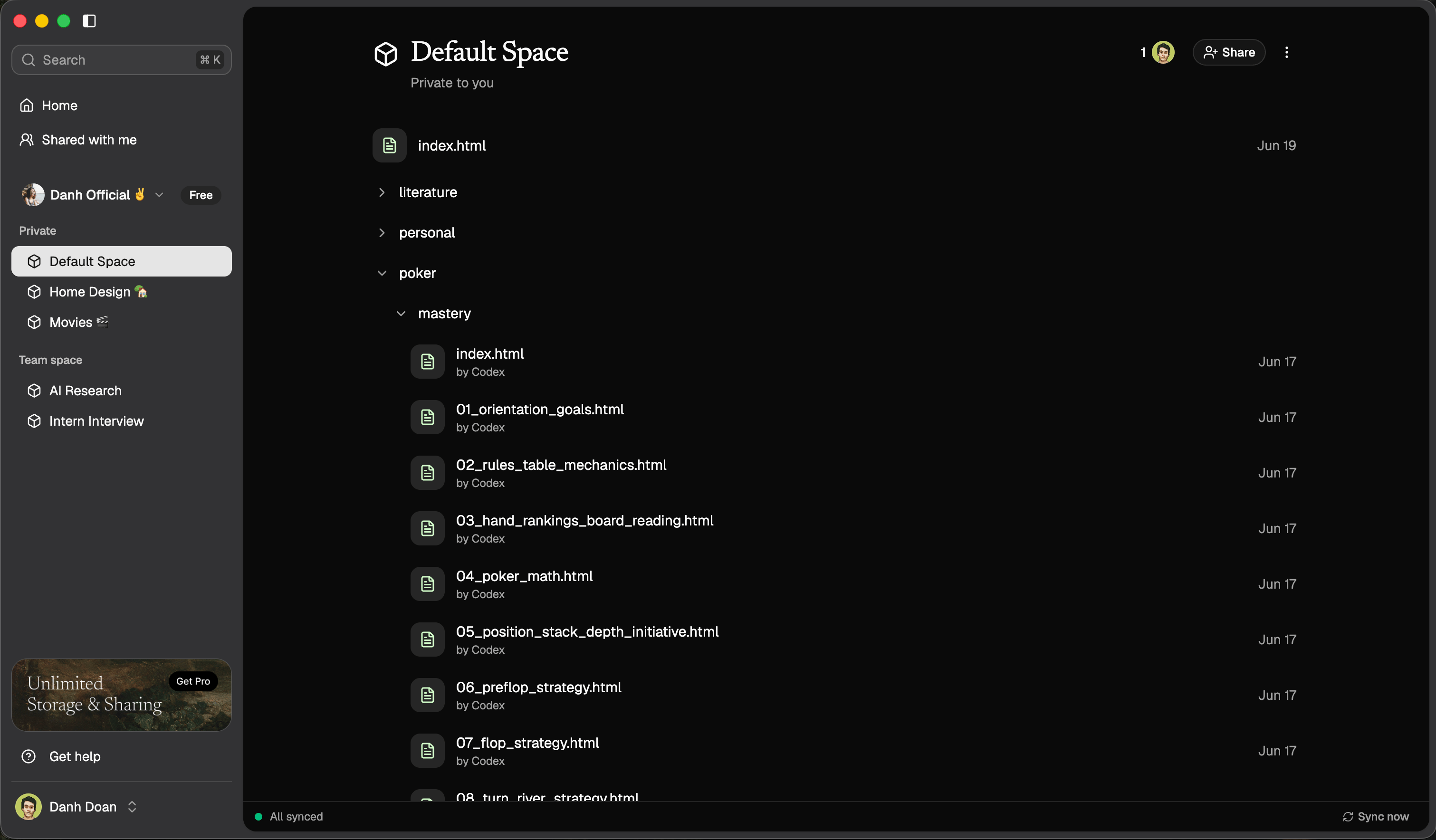
Use the Record skill after useful work so future agent sessions can inherit the decision, pattern, or gotcha instead of rediscovering it. ByteRover context tree with saved memory topics Recording saves knowledge into the active ByteRover space. The normal workflow is agent-driven: ask your coding agent to remember what matters, and the agent writes the structured memory through the ByteRover skill.
Run Record from inside the project folder. If the project should use a named space, bind it first with Bind.

Decide what should be remembered

Record knowledge that future sessions should reuse:
  • architecture decisions and why they were made
  • project conventions that are not obvious from code alone
  • setup, testing, deployment, or debugging steps
  • gotchas that would waste time if rediscovered later
  • team preferences that should guide future work
Do not record facts that are already obvious from source code, generated files, or git history.

Ask your agent to record it

Use natural language. Be specific about what changed and why it matters.
Record the testing strategy we just confirmed. Include when to use in-memory tests and where the fixtures live.
You can also ask the agent to update an existing memory:
Update ByteRover with the new authentication decision. Include the reason we switched to browser approval instead of pasted tokens.
The agent should choose a stable topic path, write the memory, and report where it was saved.

Review the saved memory

Open ByteRover Desktop and review the context tree for the active space. Check that the new memory is:
  • in the correct space
  • named clearly
  • focused on one subject
  • useful for a future session

Query to verify

Ask the agent to retrieve the memory you just saved:
Query ByteRover for the testing strategy we recorded.
If the answer is too vague, ask the agent to update the record with clearer details.

Manual reference

Most users do not need to run the script directly. The connected agent runs it from the installed ByteRover skill directory. For a simple single-fact record, the script shape is:
node scripts/record.mjs "testing/unit_strategy" \
  --title "Unit testing strategy" \
  --summary "Fast in-memory service tests for this repo" \
  --keywords testing,unit,fixtures \
  --body "Unit tests should run fully in memory and avoid network services unless a test is explicitly marked as integration."
Every command prints JSON. A successful record response includes whether the topic was created and the tree-relative path that was written.

Structured records

For richer knowledge, the agent can pass a full <bv-topic> document:
node scripts/record.mjs "architecture/auth" --html '
<bv-topic path="architecture/auth"
          title="Authentication Flow"
          summary="How the app handles desktop sign-in and daemon auth."
          keywords="auth,desktop,daemon">
  <bv-task>Document the current authentication flow.</bv-task>
  <bv-decision>Desktop sign-in uses browser OAuth and returns through a byterover:// deep link.</bv-decision>
  <bv-reason>This keeps credential entry in the browser and lets Desktop exchange the callback securely.</bv-reason>
  <bv-fact subject="desktop_sign_in" category="project" value="OAuth deep link">Desktop sign-in returns through a byterover:// callback.</bv-fact>
</bv-topic>'
Structured records rank better because ByteRover can search facts, decisions, reasons, rules, and files separately.