

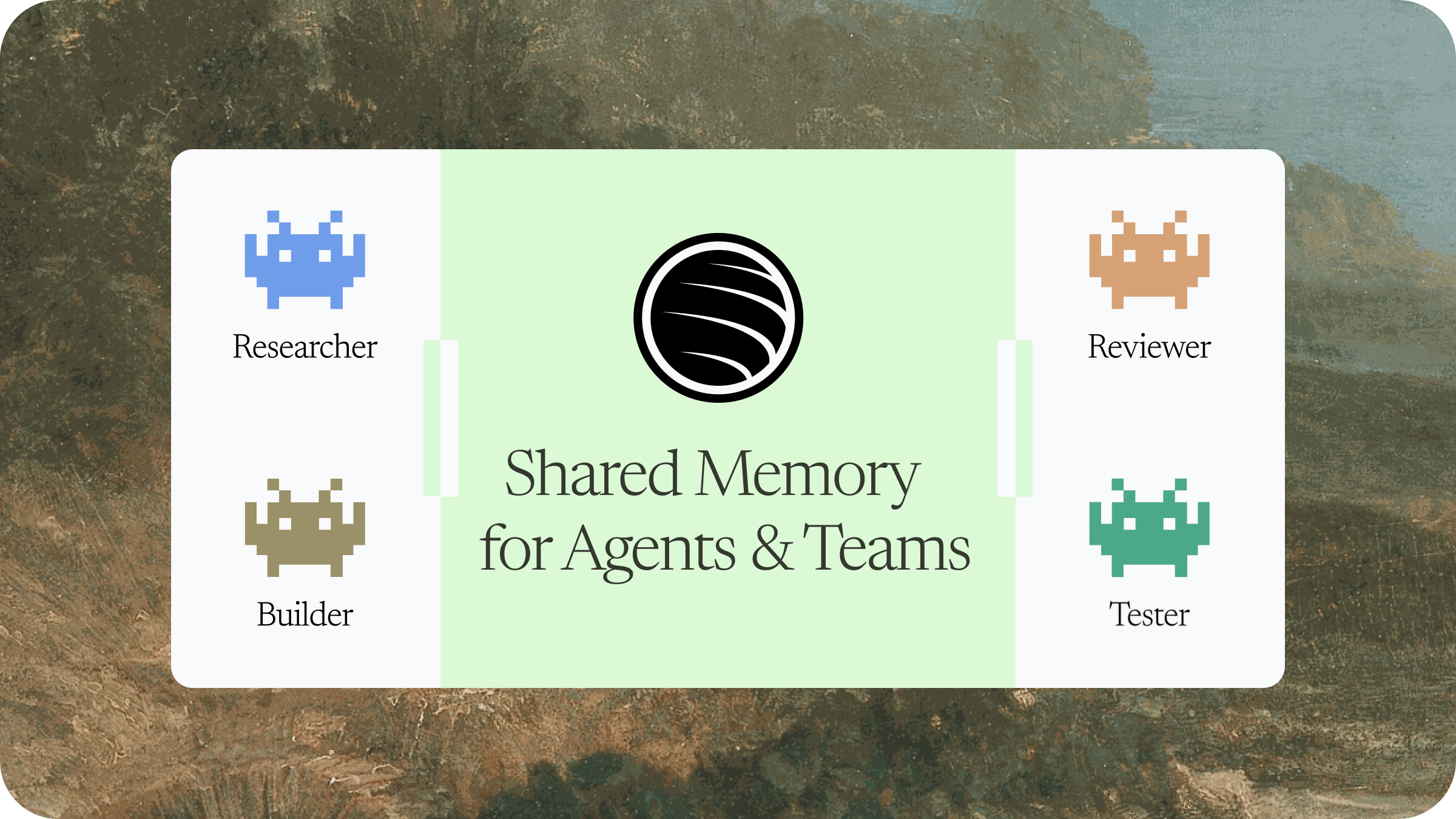
Get started in minutes
1
Install ByteRover Desktop
Download ByteRover Desktop, open the app, and start setup.Download ByteRover Desktop
2
Sign in
Sign in with Google or GitHub. Desktop uses your account to load teams, spaces, invitations, and connected agents.
3
Connect an agent
Use Desktop to connect a local coding agent, or install the ByteRover skill manually on a VPS:Requires Node.js 20 or newer. Node.js includes npm and npx.For OpenClaw, use the V4 setup script placeholder to install the skill and context engine:For other agents, install the published ByteRover skill:To clean up the OpenClaw context engine later, run the setup script with
--uninstall-context-engine.4
Onboard with ByteRover
Open the agent in your project and prompt:The agent checks the current project, links it to a space, and tells you when memory is ready.
Continue with Quick start
Follow the complete first-run setup from Desktop installation to agent onboarding.
Core concepts
Desktop
Manage sign-in, onboarding, connected agents, teams, spaces, sharing, and sync status.
Spaces
Choose where memory lives. Use private spaces, team spaces, or spaces shared with you.
Skill
Give the agent instructions for binding projects, querying memory, recording context, authenticating, and cleanup review.
Agents
Connect OpenClaw, Hermes, or VPS CLI agents such as Codex CLI, Claude Code, and OpenCode CLI.
Choose your path
Local desktop setup
Install Desktop, sign in, connect an agent, and complete onboarding.
VPS agent setup
Install the skill on the server, use the context-engine script for OpenClaw, restart the agent, authenticate ByteRover, and then run onboarding.
V3 VPS migration
Move old V3 project memory on a VPS into V4 spaces before continuing V4 work.
Skill commands
Learn when the agent should bind, query, record, dream, and authenticate.