Overview

This guide walks you through removing the ByteRover V2 MCP server configuration from Claude Code.
We guide assume you’ve previously connected Claude Code with ByteRover V2 via the guide here.
If you have the ByteRover VSCode extension installed, use this automated approach:
1

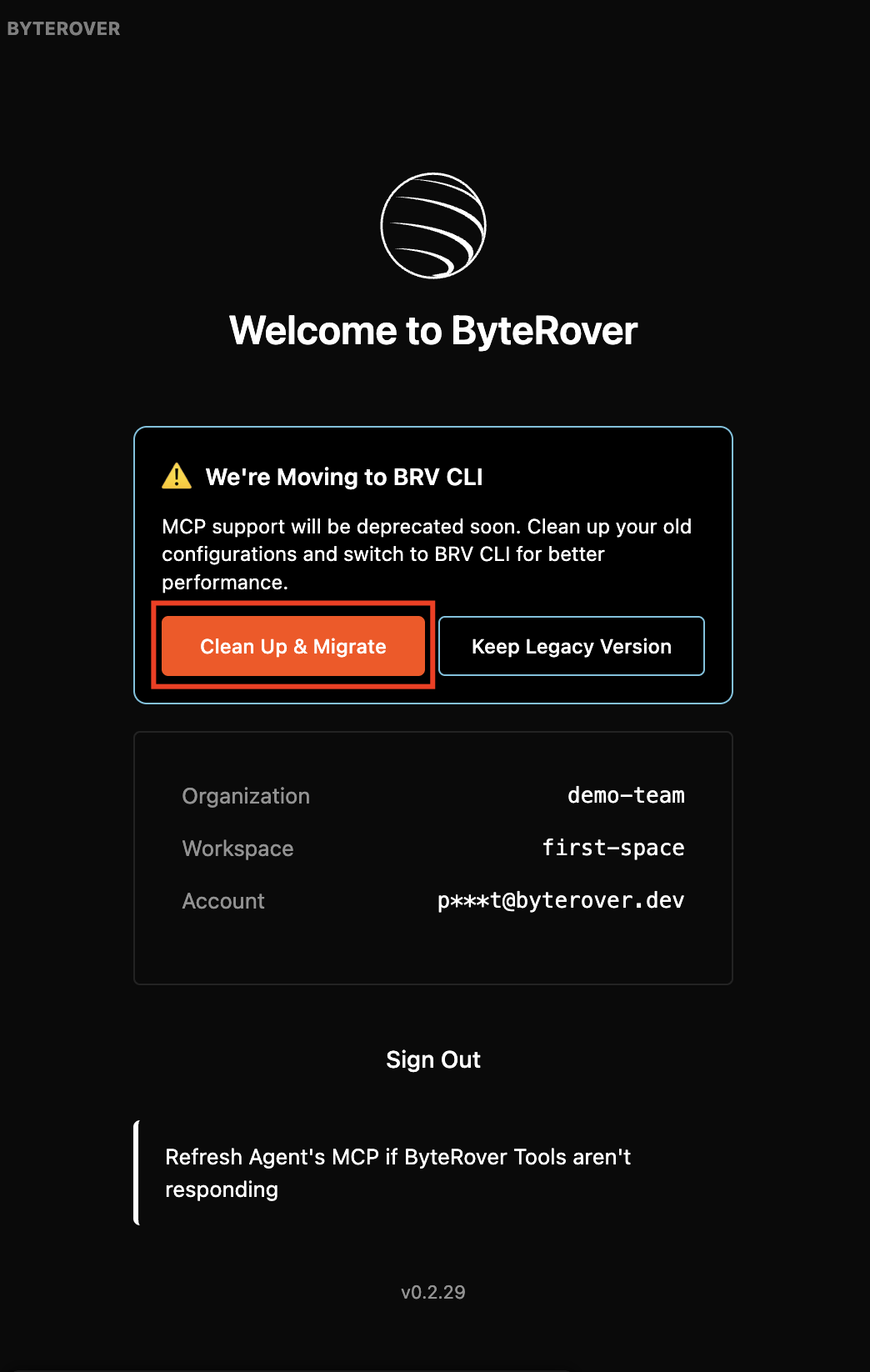
Clean Up & Migrate

Open the ByteRover extension and click “Clean Up & Migrate”:Clean Up & MigrateThis will automatically remove the MCP configuration and rule file.
2

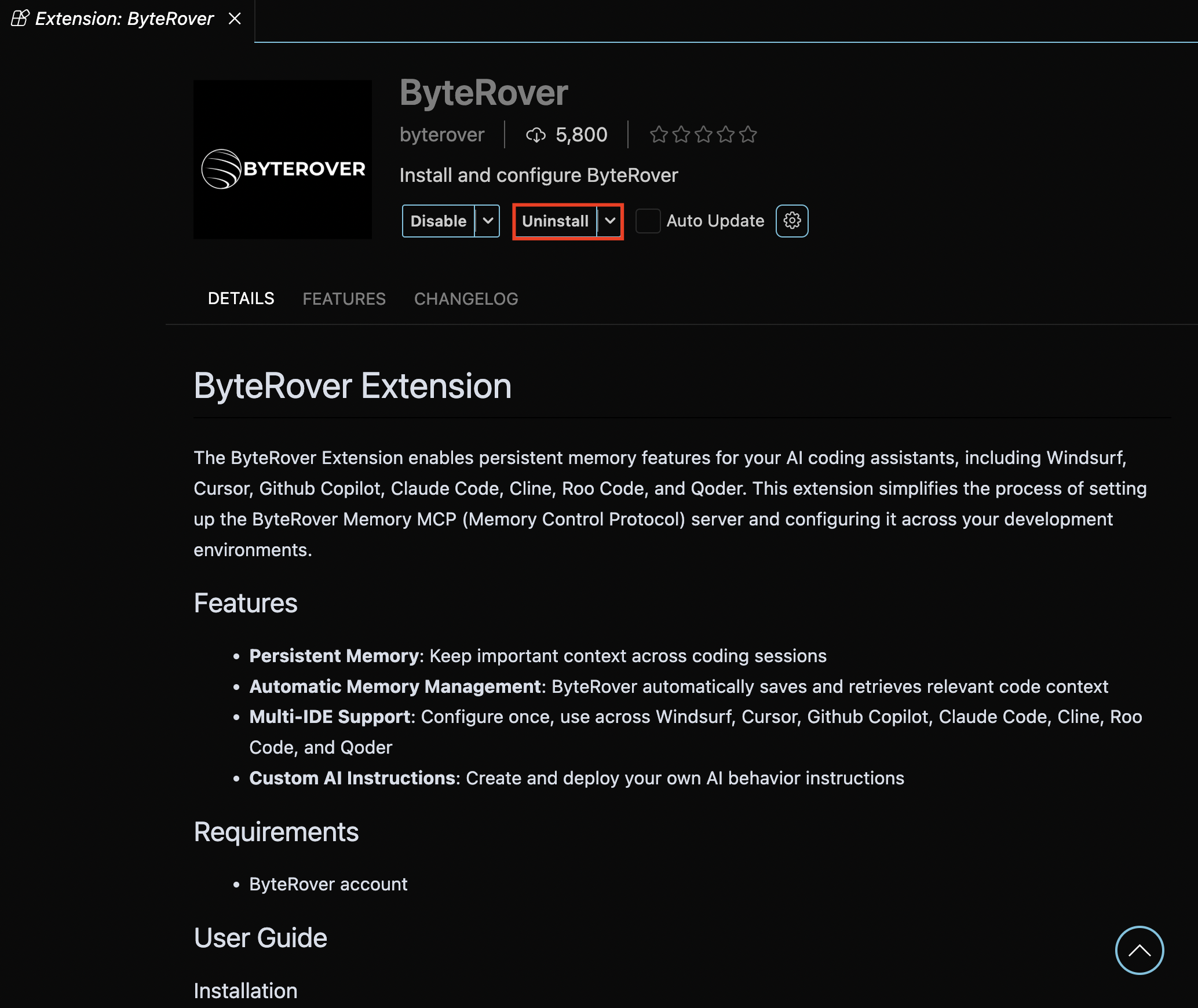
Uninstall ByteRover Extension

Uninstall the ByteRover extension:Uninstall Extension
3

Verify Removal

Check your MCP configuration to confirm byterover-mcp is no longer listed:
claude mcp list
You should not see byterover-mcp in the list.

Option 2: Manual Cleanup

1

Remove ByteRover MCP Server

Run this command in your terminal. If you added byterover mcp under a different name, replace “byterover-mcp” with it:
claude mcp remove "byterover-mcp"
2

Remove Automated Instructions

If you have ByteRover instructions in your CLAUDE.md file, remove this block:
[byterover-mcp]

You are given two tools from Byterover MCP server, including
## 1. `byterover-store-knowledge`
You `MUST` always use this tool when:

+ Learning new patterns, APIs, or architectural decisions from the codebase
+ Encountering error solutions or debugging techniques
+ Finding reusable code patterns or utility functions
+ Completing any significant task or plan implementation

## 2. `byterover-retrieve-knowledge`
You `MUST` always use this tool when:

+ Starting any new task or implementation to gather relevant context
+ Before making architectural decisions to understand existing patterns
+ When debugging issues to check for previous solutions
+ Working with unfamiliar parts of the codebase
3

Verify Removal

Check your MCP configuration to confirm byterover-mcp is no longer listed:
claude mcp list
You should not see byterover-mcp in the list.

Need Help?