

Overview
This guide walks you through removing the ByteRover V2 MCP server configuration from Codex.This guide assumes you’ve previously connected Codex with ByteRover V2 via the guide here.
Option 1: Automatic Cleanup (Recommended)
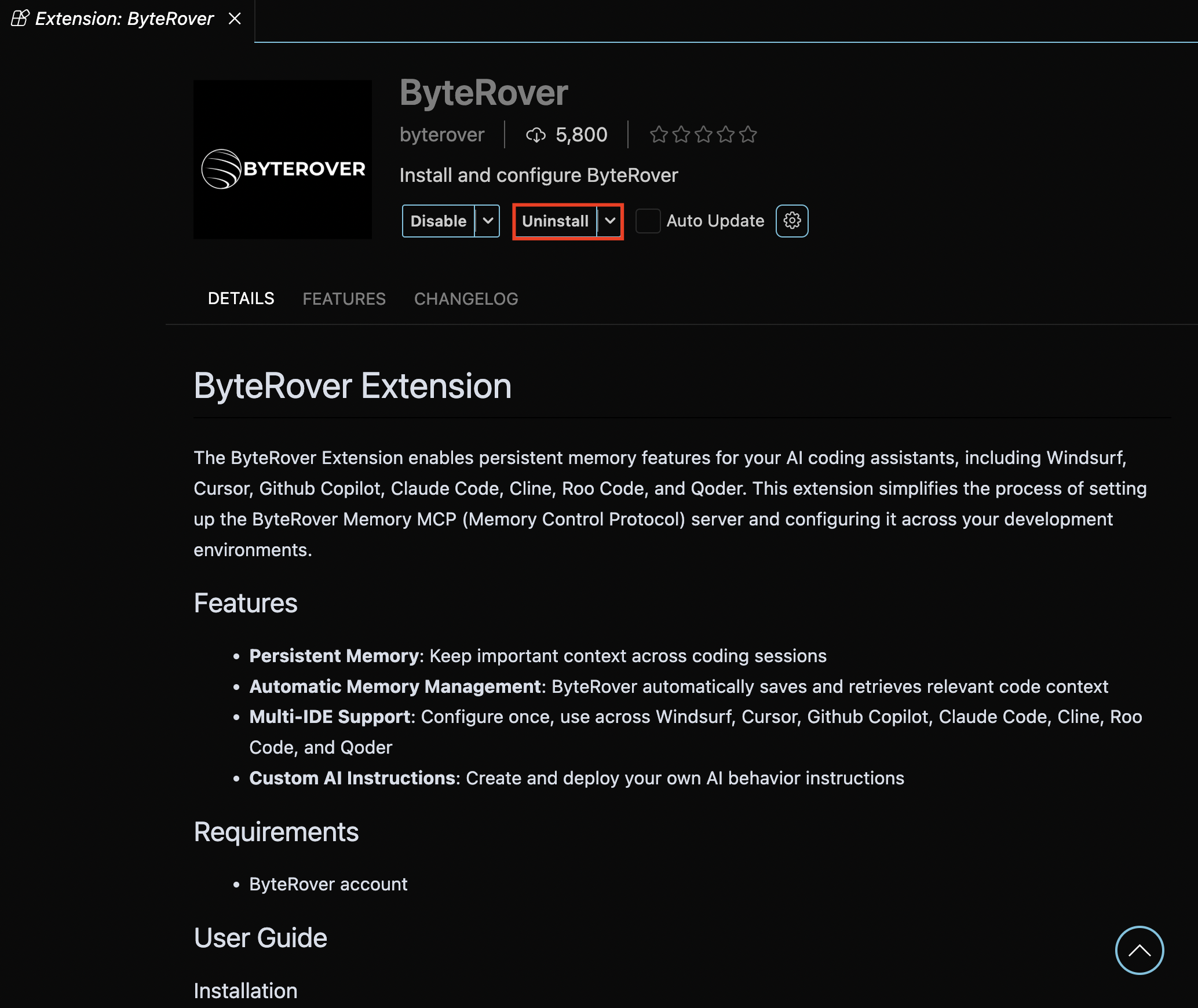
If you have the ByteRover VSCode extension installed, use this automated approach:Clean Up & Migrate
Open the ByteRover extension and click “Clean Up & Migrate”: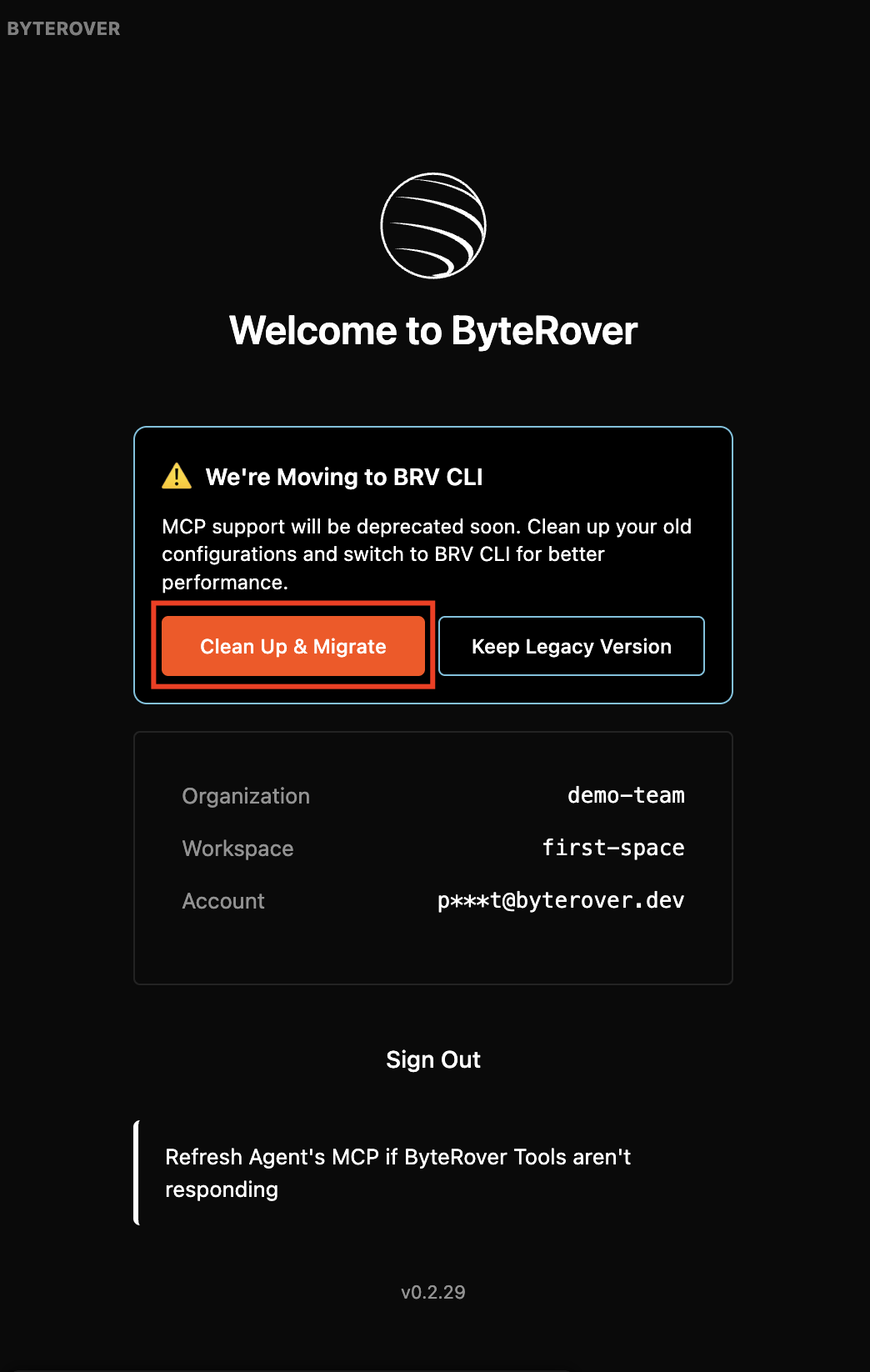
Option 2: Manual Cleanup
Remove ByteRover MCP Server
Run this command in your terminal. If you added byterover mcp under a different name, replace “byterover-mcp” with it:
Remove Automated Instructions
If you have ByteRover instructions in your
AGENTS.md file, remove this block: