

Overview
This guide walks you through removing the ByteRover V2 MCP server configuration from Roo Code.This guide assumes you’ve previously connected Roo Code with ByteRover V2 via the guide here.
Option 1: Automatic Cleanup (Recommended)
If you have the ByteRover VSCode extension installed, use this automated approach:Clean Up & Migrate
Open the ByteRover extension and click “Clean Up & Migrate”: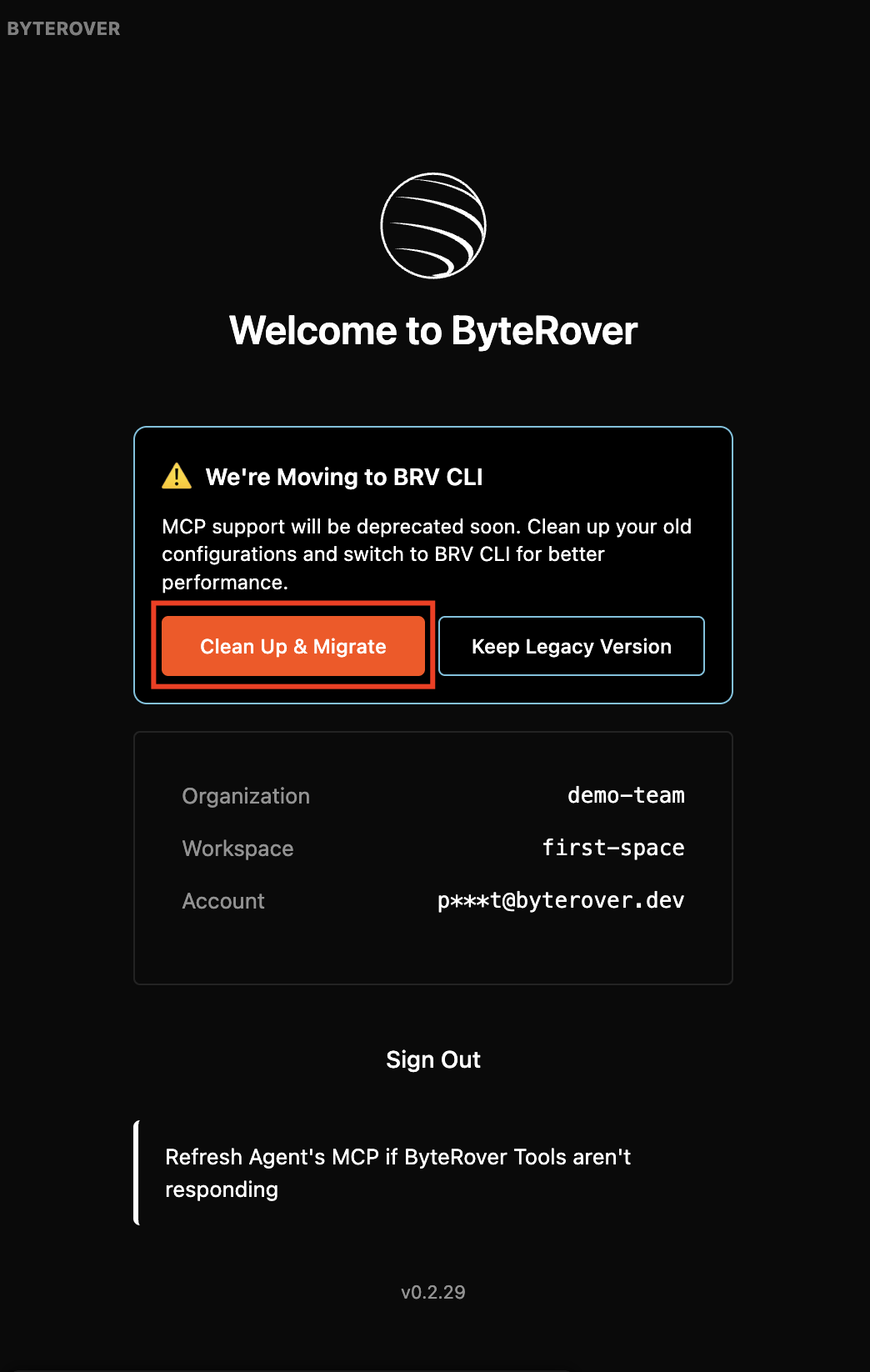
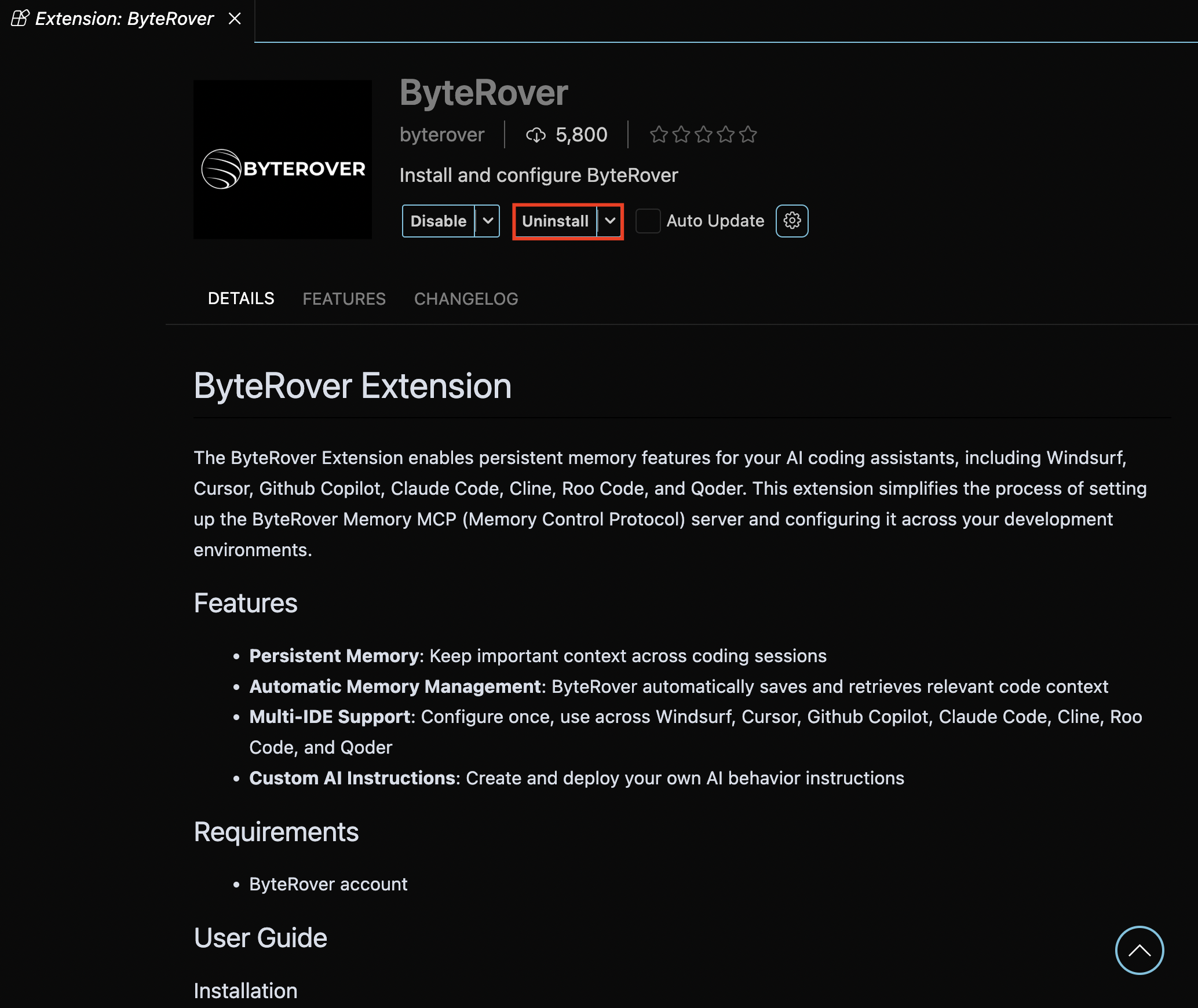
Option 2: Manual Cleanup
Remove ByteRover MCP Server
First, open Roo Code’s settings by clicking the settings icon: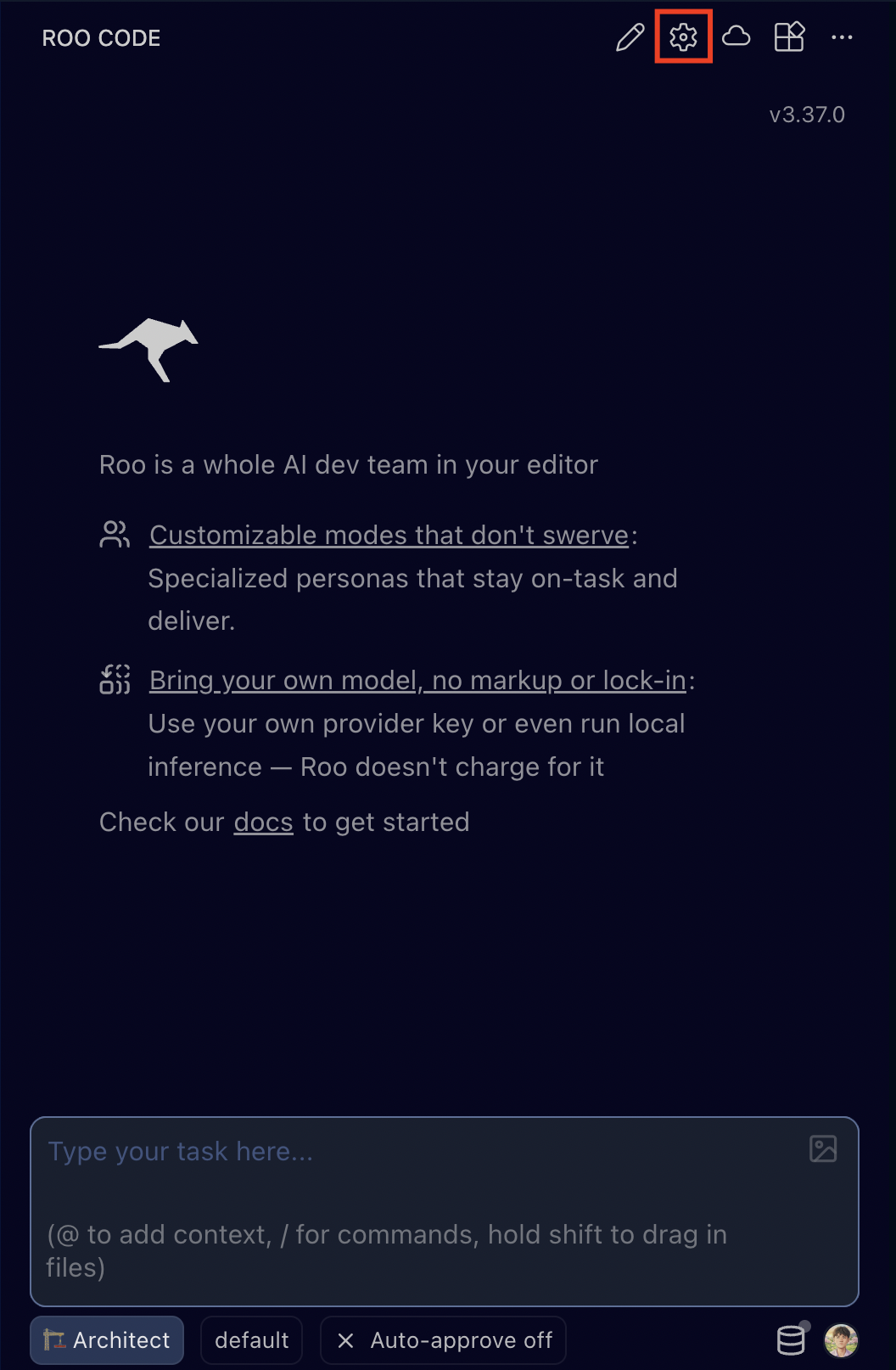
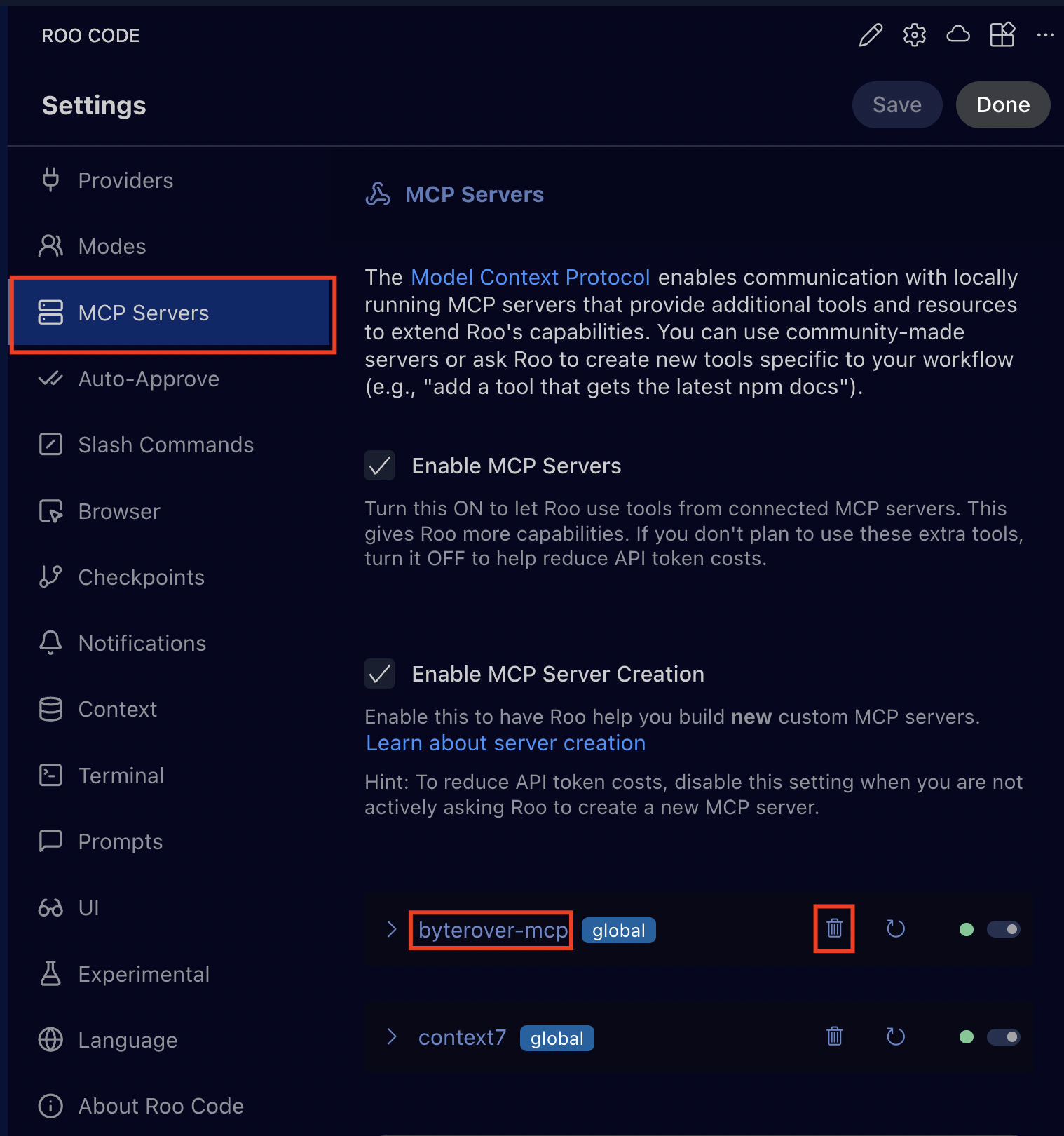
byterover-mcp server entry:Remove Automated Instructions
Delete the file
.roo/rules/byterover-rules.md, which contains the following content: