

Overview
This guide walks you through removing the ByteRover V2 MCP server configuration from Claude.ai.This guide assumes you’ve previously connected Claude.ai with ByteRover V2 via the guide here.
Steps
Open Claude.ai Settings
Go to claude.ai and navigate to Settings.
Remove ByteRover Connector
Go to the Connectors tab and scroll down to locate the 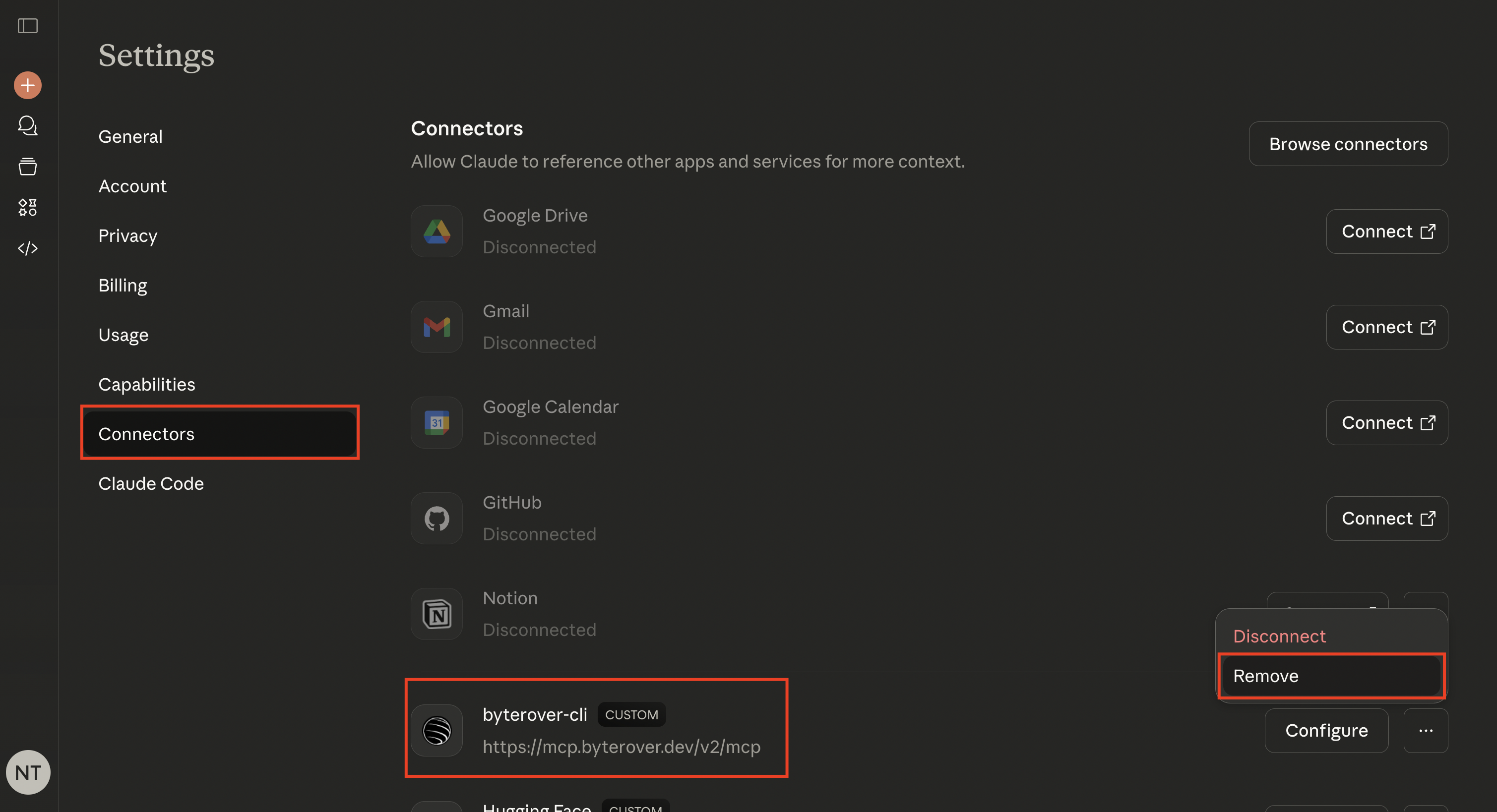
byterover-cli connector. Click to remove it: