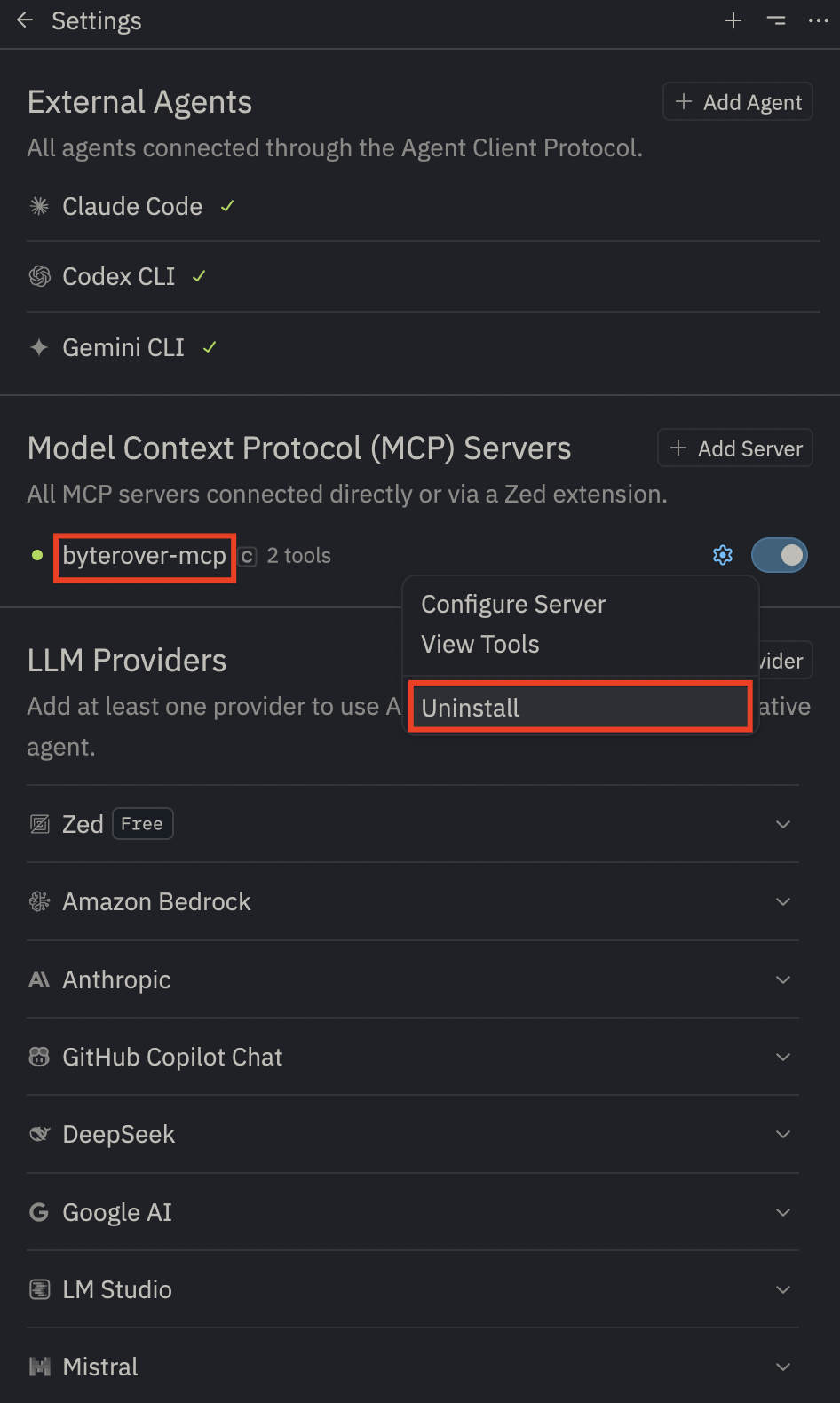
[byterover-mcp]

You are given two tools from Byterover MCP server, including
## 1. `byterover-store-knowledge`
You `MUST` always use this tool when:

+ Learning new patterns, APIs, or architectural decisions from the codebase
+ Encountering error solutions or debugging techniques
+ Finding reusable code patterns or utility functions
+ Completing any significant task or plan implementation

## 2. `byterover-retrieve-knowledge`
You `MUST` always use this tool when:

+ Starting any new task or implementation to gather relevant context
+ Before making architectural decisions to understand existing patterns
+ When debugging issues to check for previous solutions
+ Working with unfamiliar parts of the codebase