> ## Documentation Index
> Fetch the complete documentation index at: https://docs.byterover.dev/llms.txt
> Use this file to discover all available pages before exploring further.
# Overview
> ByteRover V4 gives coding agents durable project memory through Desktop, spaces, teams, and the ByteRover skill.
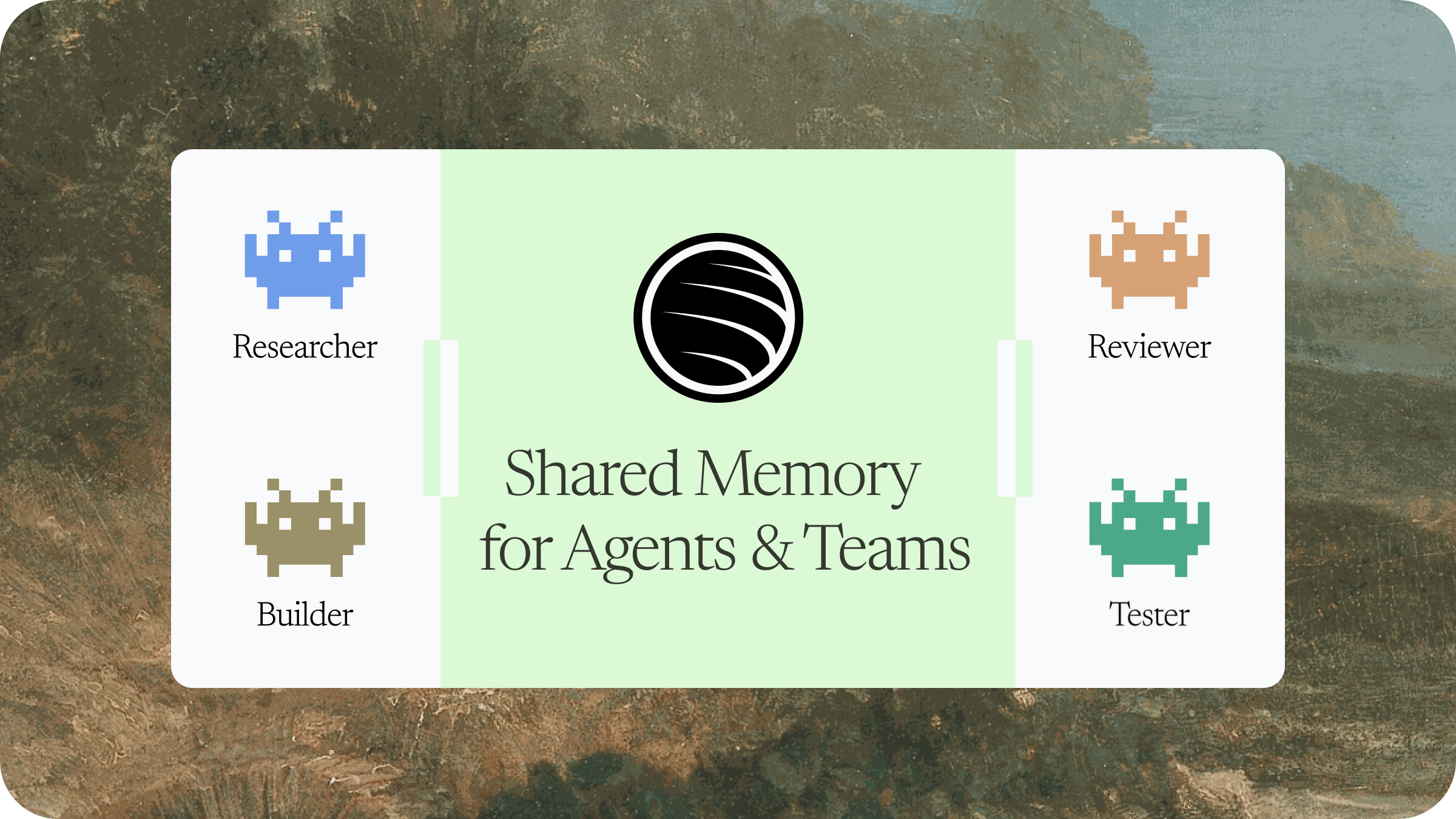
ByteRover V4 helps your coding agents remember project decisions, team context, and useful implementation details across sessions. Desktop manages the workspace. The ByteRover skill runs inside your agent and uses the selected space as durable memory.
 ## Get started in minutes
Download ByteRover Desktop, open the app, and start setup.
[Download ByteRover Desktop](https://byterover.dev/download)
Sign in with Google or GitHub. Desktop uses your account to load teams, spaces, invitations, and connected agents.
Use Desktop to connect a local coding agent, or install the ByteRover skill manually on a VPS:
Requires Node.js 20 or newer. Node.js includes npm and npx.
```bash theme={null}
npx skills add campfirein/skills
```
Open the agent in your project and prompt:
```text theme={null}
onboard with byterover
```
The agent checks the current project, links it to a space, and tells you when memory is ready.
Follow the complete first-run setup from Desktop installation to agent onboarding.
## Core concepts
Manage sign-in, onboarding, connected agents, teams, spaces, sharing, and sync status.
Choose where memory lives. Use private spaces, team spaces, or spaces shared with you.
Give the agent instructions for binding projects, querying memory, recording context, authenticating, and cleanup review.
Connect OpenClaw, Hermes, or VPS CLI agents such as Codex CLI, Claude Code, and OpenCode CLI.
## Choose your path
Install Desktop, sign in, connect an agent, and complete onboarding.
Install the skill on the server, restart the agent, and authenticate through the browser URL when asked.
Learn when the agent should bind, query, record, dream, and authenticate.
## Get started in minutes
Download ByteRover Desktop, open the app, and start setup.
[Download ByteRover Desktop](https://byterover.dev/download)
Sign in with Google or GitHub. Desktop uses your account to load teams, spaces, invitations, and connected agents.
Use Desktop to connect a local coding agent, or install the ByteRover skill manually on a VPS:
Requires Node.js 20 or newer. Node.js includes npm and npx.
```bash theme={null}
npx skills add campfirein/skills
```
Open the agent in your project and prompt:
```text theme={null}
onboard with byterover
```
The agent checks the current project, links it to a space, and tells you when memory is ready.
Follow the complete first-run setup from Desktop installation to agent onboarding.
## Core concepts
Manage sign-in, onboarding, connected agents, teams, spaces, sharing, and sync status.
Choose where memory lives. Use private spaces, team spaces, or spaces shared with you.
Give the agent instructions for binding projects, querying memory, recording context, authenticating, and cleanup review.
Connect OpenClaw, Hermes, or VPS CLI agents such as Codex CLI, Claude Code, and OpenCode CLI.
## Choose your path
Install Desktop, sign in, connect an agent, and complete onboarding.
Install the skill on the server, restart the agent, and authenticate through the browser URL when asked.
Learn when the agent should bind, query, record, dream, and authenticate.